Business Process
How Copy-Photo Works ?
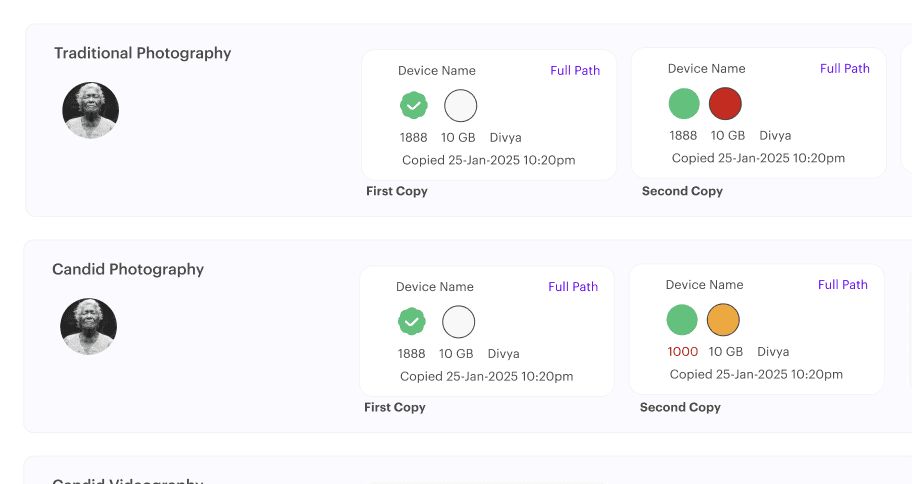
Never lose track of your files again. Copy Photo gives complete visibility into every copy, transfer, and move—so you always know where your photos live and who handled them.

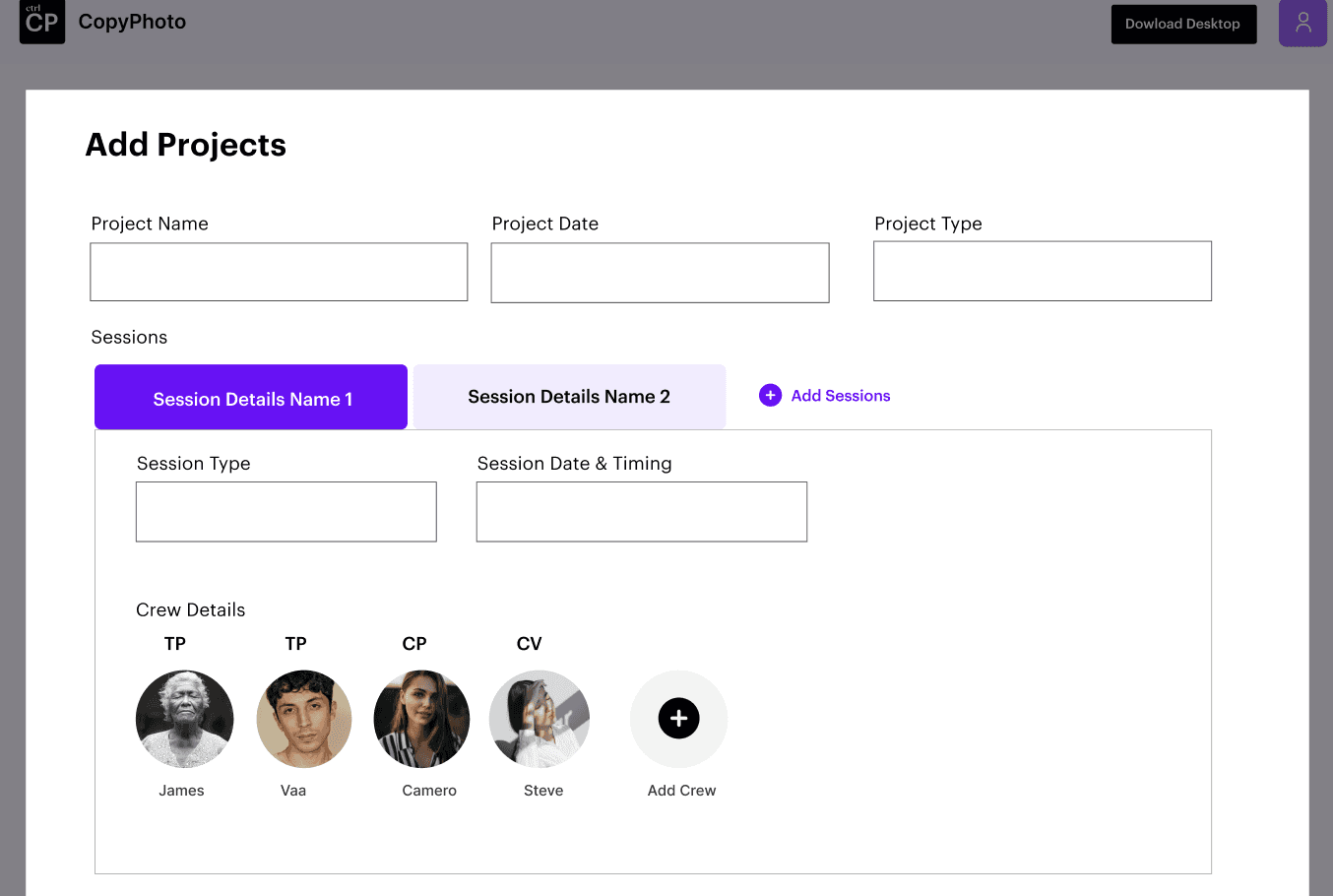
Create Project
Start by creating a project for each shoot, event, or client. All photos and videos are tracked and organised within the project for complete clarity.
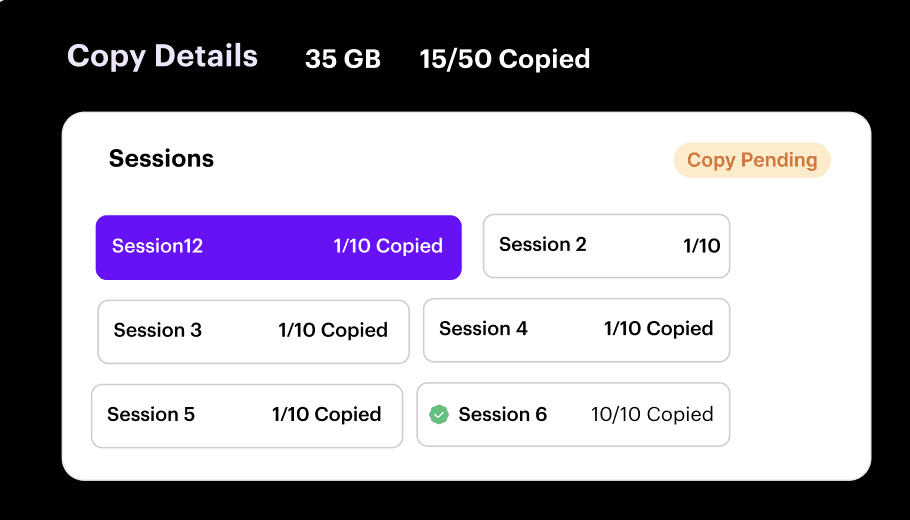
Choose the Sessions
Group files by sessions such as shoot day, event segment, or delivery phase to keep large projects structured and easy to manage.
Pick Source and Destination
Select where files are coming from and where they’re going — camera cards, laptops, external drives, NAS, or cloud storage.
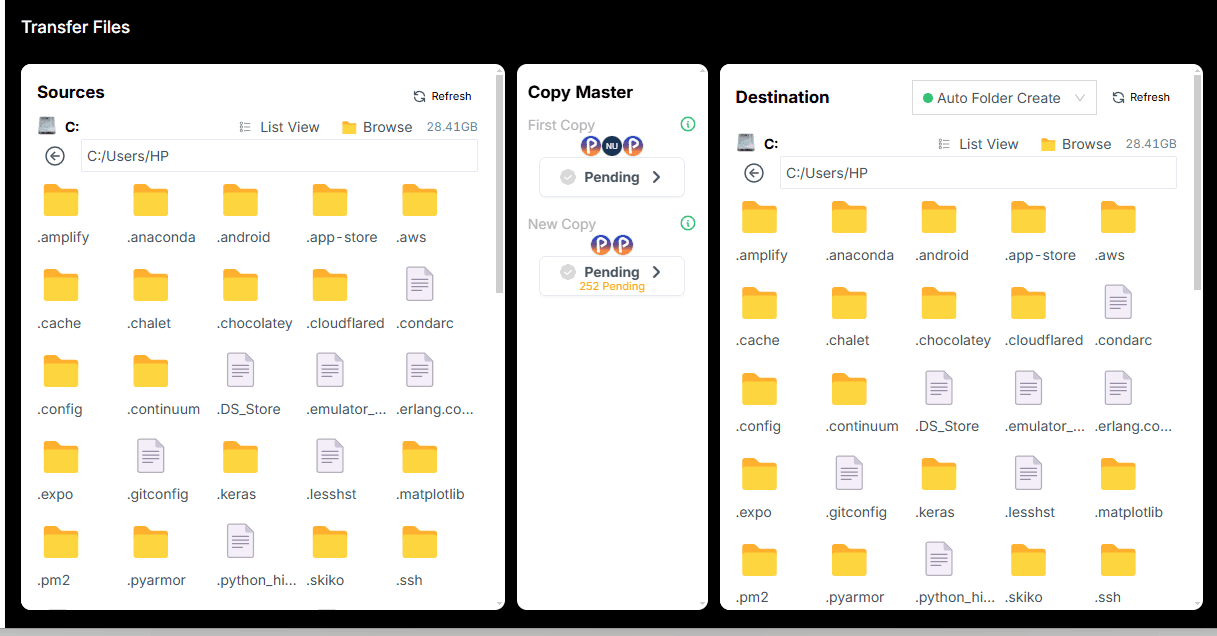
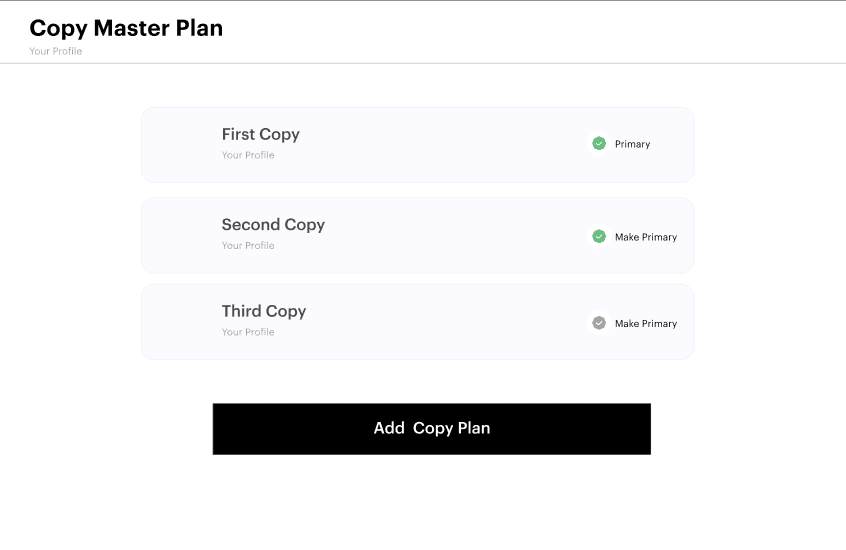
Transfer First Copy, Second Copy and Third Copy
Transfer your first copy, second copy, and third copy, and clearly mark your master copy to maintain proper backup and workflow discipline.
Log every copy with meta details and auto verification
Every copy, move, and transfer is automatically logged — including who copied the file, when it happened, where it’s stored, and file size details.